Set up daily affirmation reminders on iPhone or Android: choose the times, how many per day, and what they say, and see what is free.
November 5, 2026
·
3 min
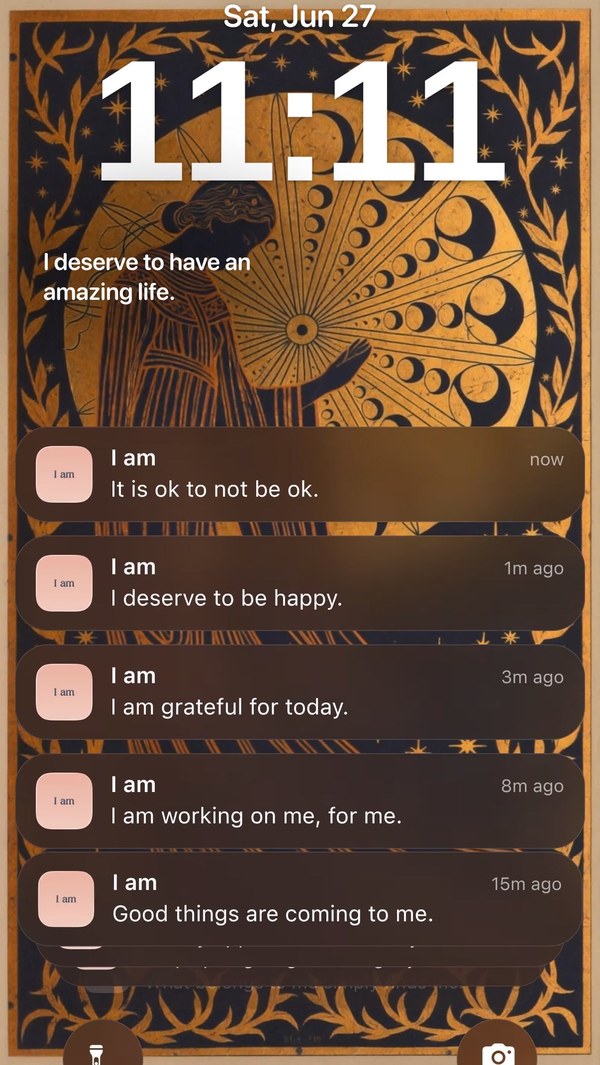
To set up daily affirmation reminders, open the I am app, tap your profile, open Reminders, add a reminder, choose its time and how many affirmations it sends, and pick what they say. Each one then arrives as a notification that waits on your Lock Screen until you read it.
This guide walks through the setup on iPhone and Android, what the app sets up by default, and what is free. You need the free I am app and notifications allowed.
What do reminders give you that a widget does not?
A widget shows an affirmation when you happen to look at your phone. A reminder reaches you at a time you choose, which makes it better for building a routine, such as one affirmation before you start work. The two work well together; the Home Screen widget guide explains the Home Screen side.
If you are unsure when to schedule one, our guide to the best time to practice affirmations is a good starting point. Then keep the reminder at the same time every day.
What does the app set up by default?
On first launch the app creates a default reminder that fires ten times across weekdays between 9 AM and 8 PM, plus a demo reminder. You can change or turn these off in Reminders. Free reminder text is shortened to fit the notification, while Premium shows the full text.
How to set up daily affirmation reminders, step by step
1. Allow notifications for I am
When the app asks, tap Allow. If you declined earlier, open your phone settings, find I am and switch notifications on.
2. Open Profile and tap Reminders
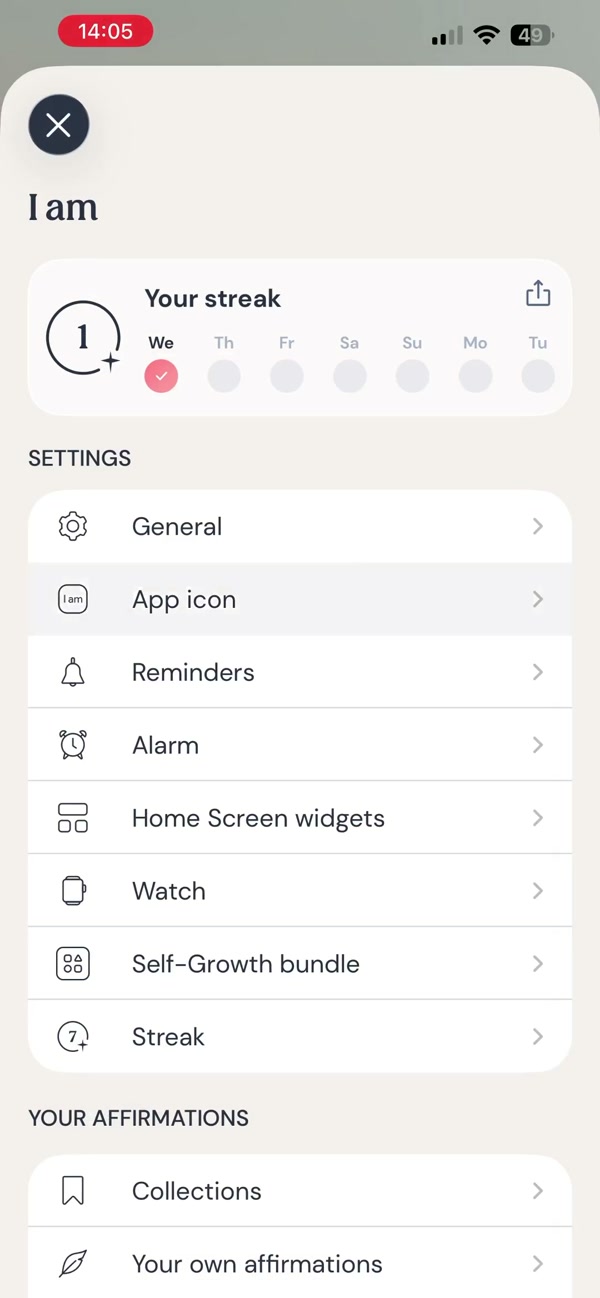
In the app, tap your profile and open Reminders. This is where every reminder is set up.
3. Add a reminder and choose its time
Add a new reminder and set the time. Choose the moment you already pick up your phone, such as when you wake up or when you sit down at your desk.
4. Choose how many affirmations it sends
Set the frequency, which is how many reminders the group sends. One in the morning is a calm start; several across the day keeps affirmations in view.
5. Choose what the reminders say
Pick the content type: the default categories, specific categories, or My own content to receive only affirmations you wrote yourself.
6. Add a second reminder for the evening
Add another reminder with a different time, for example a calmer category before bed. Turn off any default reminder you do not want.
7. Try the notification actions
Press and hold a reminder on your Lock Screen to favorite it, save it as an image or share it. If you use the app’s writing reminder, the action Write affirmation takes you straight to writing your own.
8. On Android, turn off battery optimization
Android can block background notifications to save power. In your phone settings, exclude I am from battery optimization so reminders arrive on time.
Frequently asked questions
How many affirmation reminders can I get a day?
You choose how many each reminder group sends and can add several groups at different times. The default one sends ten across weekday daytime hours.
Are affirmation reminders free?
Basic reminders are part of the free app. Premium unlocks additional reminder options and shows the full text of the affirmation instead of a shortened version.
Why am I not getting my reminders?
Check that notifications are allowed for I am in your phone settings and that the reminder is switched on. On Android, also exclude the app from battery optimization.